
1 बार देखा गया · 11/26/26
1 बार देखा गया · 11/26/26
0 बार देखा गया · 11/26/26
2 बार देखा गया · 11/26/26
9 बार देखा गया · 11/24/26
5 बार देखा गया · 11/24/26
6 बार देखा गया · 11/24/26
5 बार देखा गया · 11/21/26
11 बार देखा गया · 11/15/26
9 बार देखा गया · 11/15/26
8 बार देखा गया · 11/14/26

7 बार देखा गया · 11/14/26

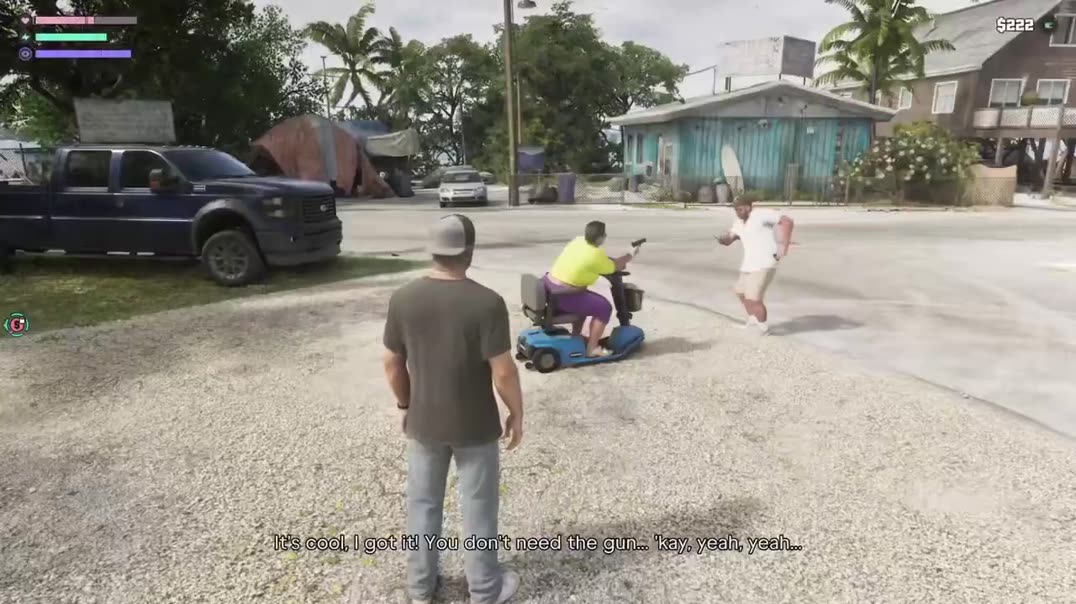
GTA 6 HDR Calibration Fix: Enable HGiG Before Adjusting Brightness ⚙️🎮✨
1
0
2 बार देखा गया·
11/26/26
में
हाउ-टू और स्टाइल
Why Rockstar's GTA 6 HDR calibration screen can mislead you when default TV tone mapping is active, and how enabling HGiG on an LG OLED stops highlight roll-off so you can accurately dial in max brightness using the test pattern. Includes a quick look at reference monitor measurements and a tease for upcoming black level and paper white calibration tips. 📺🔥🕹️
ज़्यादा दिखाएं
0 टिप्पणियां
इसके हिसाब से क्रम में लगाएं
1 बार देखा गया · 11/26/26
1 बार देखा गया · 11/26/26
0 बार देखा गया · 11/26/26
2 बार देखा गया · 11/26/26
9 बार देखा गया · 11/24/26
5 बार देखा गया · 11/24/26
6 बार देखा गया · 11/24/26
5 बार देखा गया · 11/21/26
11 बार देखा गया · 11/15/26
9 बार देखा गया · 11/15/26
8 बार देखा गया · 11/14/26
7 बार देखा गया · 11/14/26